
Texas Court Docket Searches
A Texas court docket search works best when you begin with the court name, the county, and the cause number from a notice or filing. No cause number yet? A party name and a rough filing date will still help the local clerk narrow things down. Keep in mind that Texas has no single trial-court register spanning every county and court level. A statewide hit can point to a case. The full docket sheet and the signed papers stay with that court's clerk.
Let the court type guide the next step. District Court cases usually lead to the District Clerk. County-level, justice, and municipal cases may sit with different clerks, even when those Texas courts share the same county. And before trusting any date or case status, check the latest court notice. That document outranks everything else.
- Read the citation, summons, or order and note its county, court name, and cause number. District boundaries can cross county lines, so use the court printed on the paper.
- Try Docket Search at re:SearchTX for participating case and document data. A missing statewide result does not establish that no Texas case exists.
- For the trial docket, open the proper local clerk or court portal through the Browse Counties directory. Use the city court named on a municipal citation when needed.
- Compare the cause number, court, case type, and filing date. A docket line is a short event description, not the text of a motion, order, or judgment.
- Ask the clerk for the exact docket sheet or document, its copy format, and any certification. For a hearing date, confirm the latest setting with the court.
Start with the Texas Court on Your Notice
A Texas court notice is often the quickest map to the right docket. It names the court and usually carries a cause number, filing date, or issuing agency. Those details carry real weight. A felony, a county misdemeanor, an eviction, and a city ticket are different matters. Each can rest with a different Texas clerk. Two courts sharing one county does not merge their files into a single county record.
The Travis County District Clerk's case-information page shows one county's approach in practice. There, visitors find district-level case search, record copies, and request options laid out together. Treat it as a local example rather than the statewide Texas docket system.
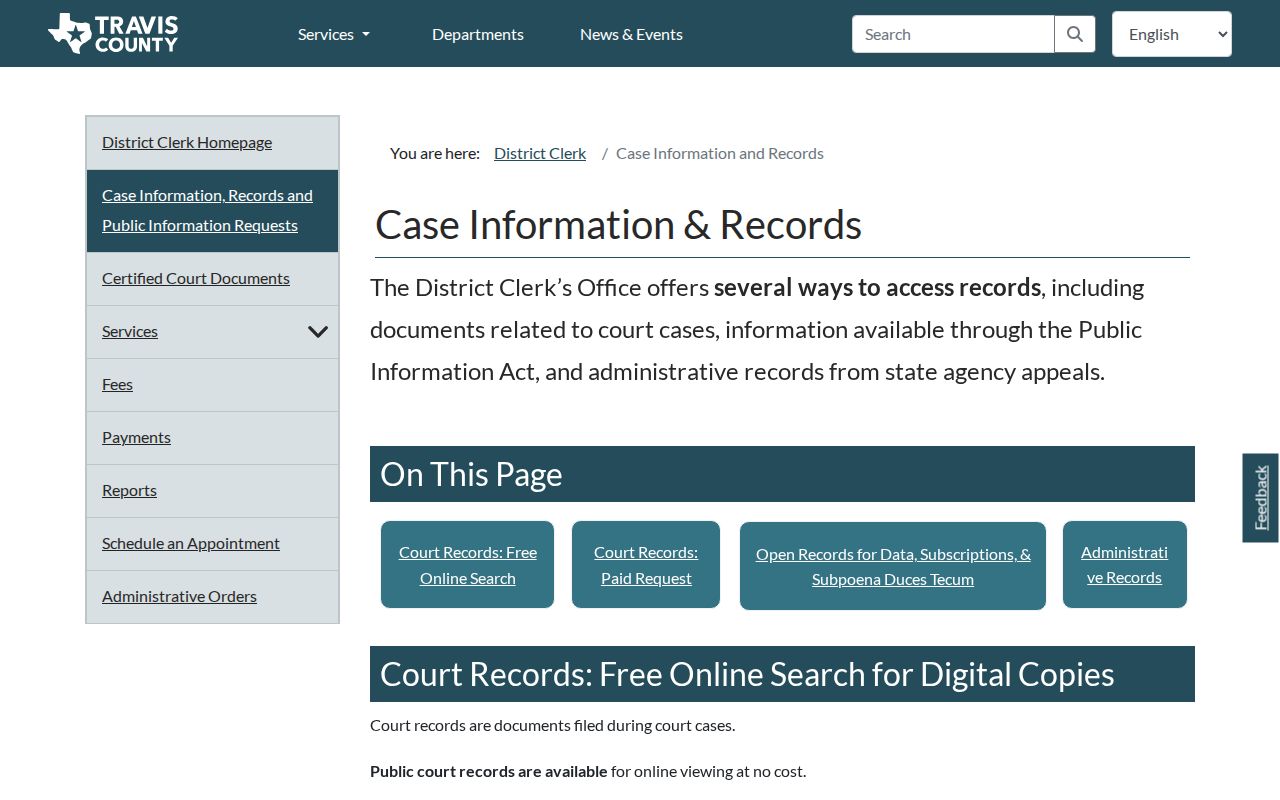
That local example explains why the court name comes first. In another Texas county, the same request might land with a County Clerk, a JP clerk, a municipal court clerk, or a specialized probate clerk. Each office keeps its own docket books. Knowing the court saves a trip to the wrong counter.
Note: Texas District Courts can serve more than one county, so search with the court name and county together, never the county alone.
The Statewide Case Search in Texas
Texas's statewide public access service is re:SearchTX. It pools eligible case, filing, document-text, and hearing data from participating sources. After you sign in, a search can surface case, filing, or hearing details. Some documents are also there for purchase. Account access, search results, and document images are separate pieces of the service.
Think of the statewide search as an index plus a document-access layer. It is not a promise that every live Texas docket is online. Court type, county participation, filing year, and image availability all vary. The 2024 Texas Judicial Council Data Committee report describes a repository. That repository excludes criminal case records. The 2021 quick reference guide predates current portal changes. So check the live service for today's dropdown options and exact Texas coverage. The Court Structure page explains how this state search sits beside local clerk systems.
The official portal's guide lays out four broad search categories. Each query runs with filters that depend on the search type chosen.
| Search Category | What It Helps Locate | Limit to Keep in Mind |
|---|---|---|
| Cases | Case records and case-detail views from connected courts. | Participation, case type, and historical range differ by source. |
| Filings | Filing entries and related document details. | A filing result does not mean every image is free or public. |
| Text in Documents | Indexed text within documents that the system can search. | Only connected, searchable material can match a text query. |
| Hearings | Hearing information available from participating sources. | It is not a complete calendar for every Texas trial court. |
The re:SearchTX landing page shows the statewide search entry point and category labels.
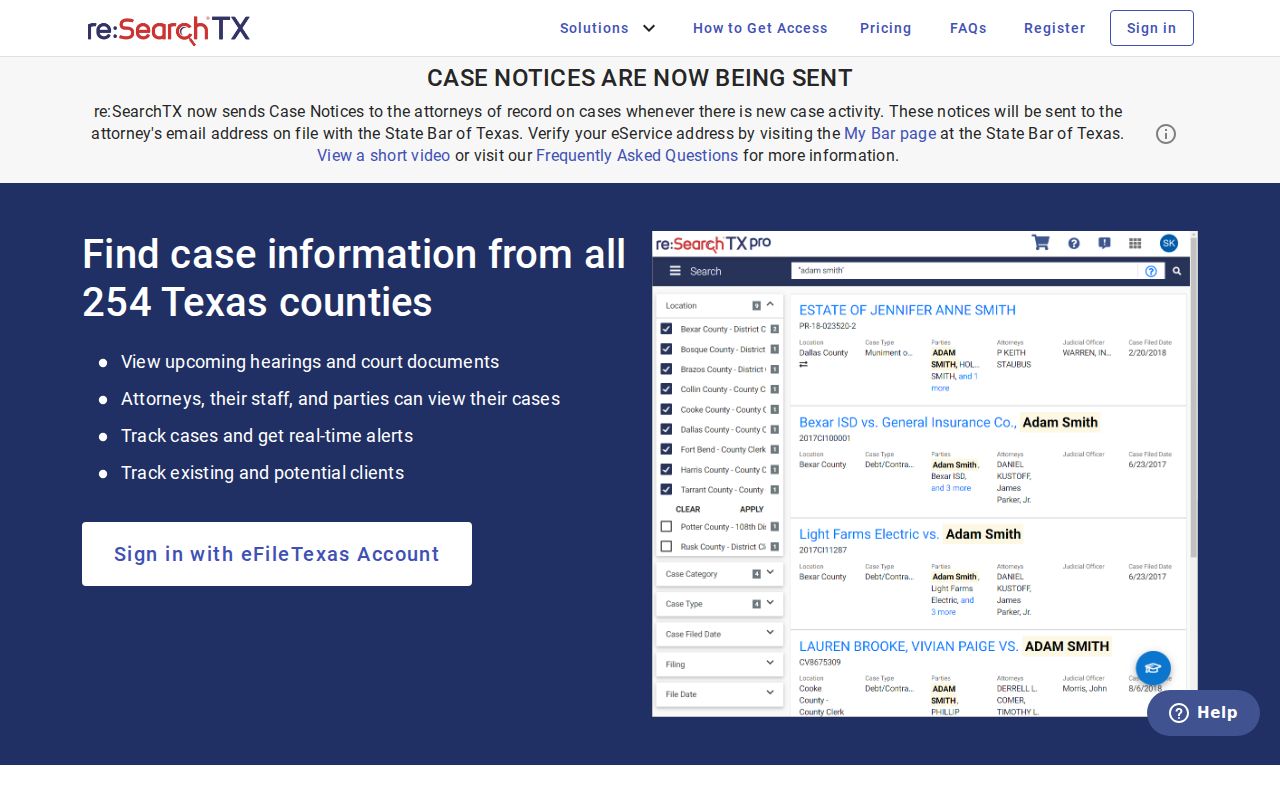
Treat any result as a starting point. Use it to identify the court and cause number, then confirm the full event history and any current setting with the responsible Texas clerk.
Texas Search Has Coverage Limits
A blank result on a statewide docket search does not mean the case is gone. re:SearchTX only pulls from courts that feed it. No county-by-county coverage list exists in one place. Criminal case records sit outside the statewide repository described in the 2024 report. Older files, restricted matters, city citations, JP cases, and county systems raise their own issues. They may still call for a direct local search at the clerk's office.
The Texas Office of Court Administration (OCA) runs several separate services. Its OCA office page connects to statewide Texas court administration and data tools. The OCA directory finds courts. An activity database reports aggregate filings. Citation by Publication handles legal notices, and TAMES covers appellate cases. None of these replaces the local trial-court docket itself.
The Texas Office of Court Administration page describes the state office. That office supports court administration and statewide data services.

A missing case in a Texas docket search does not mean the case is closed or hidden. First check whether the District Clerk or the County Clerk holds that court docket. The two offices split the work by court type. Then confirm you searched the right JP precinct or city court, and consider the case's age and any access restriction that limits the record. Statewide results can also have data-feed limits tied to case type or age. So a direct search with the local Texas clerk is still the surest step.
Texas Courts and Their Dockets
A Texas court docket lives wherever the case actually sits. Texas runs several layers of courts. Every case starts in a trial court. That trial court has authority over both its subject and its location. Figuring out which clerk holds the file means knowing the court's name along with its county, precinct, or city. When a case gets appealed, a new case number and a new docket open at the appellate court. The trial-court file stays put. One more wrinkle: district lines can stretch across several counties. A single county can host multiple courts at the same level. So the court, not just the state, identifies the docket.
| Court | Docket Covers | Where to Search |
|---|---|---|
| District Court | Felony cases, major civil matters, family and juvenile cases, and other assigned claims. | Texas District Clerk for the county where filed. |
| County Court and County Court at Law | Many Class A/B misdemeanors, county civil matters, probate, and statutory assignments. | Texas County Clerk or the locally assigned court clerk. |
| Justice Court | Fine-only cases, traffic matters, small civil claims, and eviction cases within its jurisdiction. | Texas JP clerk for the court and precinct. |
| Municipal Court | City ordinance and fine-only state-law matters, including many city traffic tickets. | Texas municipal court clerk named on the citation. |
| Business Court | Limited statutory business disputes. | Business Court clerk; appeal route can lead to the 15th Court of Appeals. |
| Texas Courts of Appeals | Intermediate civil and criminal appeals. | Appellate clerk and the TAMES search. |
Texas E-Filing Is Not a Public Docket
Filing online is one job. Searching court records is another. eFileTexas delivers papers to participating courts, and a filer picks the court and the filing type. The document and any required fee go through an electronic filing service provider. A filing status comes back. The clerk can accept it or reject it. Once accepted, the event gets indexed in a local case system.
That pipeline does not build a public docket by itself. Nor does it promise the document image will show up in re:SearchTX. Mandatory attorney e-filing rolled out in stages. It covered appellate, district, and county courts from 2014 through 2016, and criminal phases kept arriving through 2020. Self-represented options and JP participation vary. The active-courts matrix tells you a particular court's filing status.
The eFileTexas public landing page is the statewide entry point. It points filers toward filing information.
The gap shows up when a filed paper has not appeared yet in a public case search. Only the receiving clerk, not the filing provider, can confirm that a document was accepted and entered on the Texas docket.
Inside a Texas Court Docket
Think of a Texas docket as a running index of the case. It can show who filed a paper. It also shows when a hearing was set and whether the court entered a result. How much appears depends on the clerk and the software in use. There is no required statewide format. The field list below describes only what is common. Keep one caution in mind. Short event text rarely spells out an order's terms or a filing's full content.
| Cause Number | The local identifier. Include its court prefix and number when asking a Texas clerk to find the file. |
|---|---|
| Parties and Style | The caption or case title. Names may be shortened or indexed under a business, agency, or alternate spelling. |
| Filing and Event Lines | Short entries for pleadings, motions, notices, orders, and other case events. Request the paper itself when its wording matters. |
| Hearing Settings | A scheduled event, which may differ from the live calendar after a reset or late change. |
| Court and Assignment | The tribunal, court number, county or precinct, and sometimes the judge or coordinator. |
| Status or Disposition | A local case status or result label. A signed judgment or dismissal order controls its legal terms. |
Note: A brief Texas docket event never contains the full ruling. The signed order controls the court's terms.
Texas Docket Terms Vary by Court
The vocabulary is familiar, but a docket label's display and effect still turn on the particular court and the signed paper behind it. Treat a Texas docket label as a pointer. It is not always the final word on what the judge decided.
- Cause number
- The local case identifier. Its format changes by county, court, clerk, and year.
- Setting
- A scheduled court event. Confirm the latest date on the court’s calendar or notice.
- Reset
- A prior setting moved to a new date. The earlier event may stay in the docket history.
- Motion
- A request for a court order. A filing entry alone does not show that the court granted it.
- Disposition
- A case outcome or status label. Read the judgment or dismissal order for its full effect.
Watch the newest entry closely. When a deadline, payment, or case outcome hinges on exact wording, pull the underlying document too.
Texas Court Copy Fees Vary by Clerk
No single statewide price covers every Texas docket search, page, certified copy, or delivery method. An online index search may cost nothing. Yet a clerk search costs money. So does a copy, certification, or a vendor transaction. The county and court holding the record set the actual request path. Always ask what the amount buys. Is it a paper page, an electronic document, a certified docket sheet, or a certified copy of one specific order?
The Travis County District Clerk's 2026 fee schedule offers one dated local example. For that office, effective January 1, 2026, it lists:
| Request | Travis District Clerk Example |
|---|---|
| Clerk search | $5 per name or item searched. |
| Paper copy | $1 per page. |
| Electronic non-certified copy | $1 for the first 10 pages, then $0.10 per additional page. |
| Certification | $5 per document, plus copy charges. |
| Card processing | 3 percent, with a $3 minimum; nonrefundable. |
The official Texas fee page separates search, copy, certification, and card costs.
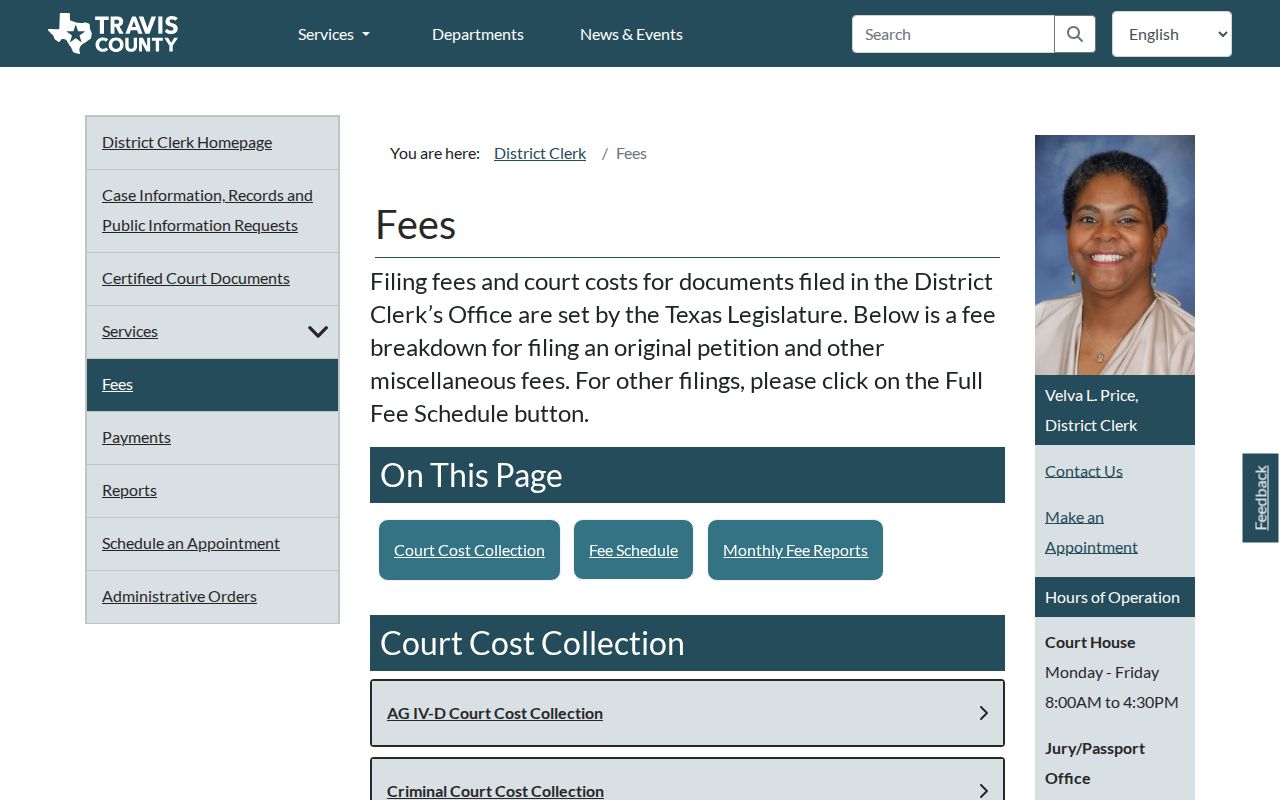
Those figures belong to the named District Clerk schedule alone. Another Texas clerk may charge a different fee, use different page tiers, a different payment vendor, or a different certified-copy process.
Docket Access Laws in Texas
Getting at Texas court records takes two answers. It depends on what kind of record you want. It depends on which court holds it. A docket or filed case paper is part of the adjudication of a Texas case. It is not an ordinary Public Information Act request to a courthouse. Court files follow court rules, statutes, access principles, and any sealing order. Administrative records are different. Texas Rule of Judicial Administration 12 governs certain administrative records held by covered judicial custodians.
The Texas Public Information Act covers governmental bodies and records. Courts and judicial-branch agencies sit outside it. A county clerk's administrative material may rest with a different custodian and route. For a case document, name the court and cause number, then ask its clerk. Rule 12 does not reach elected officials other than judges, district clerks included. Identify the custodian before picking a request process.
Rules that shape access:
Texas Rule of Judicial Administration 12 sets a written request and review path for covered judicial records, not ordinary case files; it does not apply to elected officials other than judges.
Texas Rule of Civil Procedure 76a governs sealing of defined civil court records through a court process.
Texas Rule of Civil Procedure 21c requires redaction of specified sensitive information in e-filed documents.
Texas Family Code Chapter 58 restricts defined juvenile records, with access depending on record type and statutory rules.
A public case index does not open every document image. Under a rule, statute, or order, a court can restrict or seal material. The case name and event history stay visible. If an image is missing or access limited, ask the records custodian which rule controls.
Note: Texas access turns on the record, the governing law, and any court order. The search result's label is not the whole story.
Texas FY2025 Court Counts Need Context
OCA's FY2025 statistical reports split court work across unlike Texas tiers. Municipal courts reported 3,636,784 new criminal cases. Justice Courts added 1,620,835 criminal filings plus 828,279 civil filings. Those figures come from separate reporting tables. Add them together and you get a number that means nothing. They are not counts of people, tickets, or statewide cases.
The OCA FY2025 statistical report breaks down Texas court activity by level. It tracks performance measures and case-age tables. It also names the courts whose reports are missing. Its figures reflect what courts submitted at publication. The Trial Court Activity Database offers fresher aggregate numbers. Neither product lets you look up an individual Texas cause number.
The FY2025 report page posts the statewide activity tables. It also posts the reporting notes that explain them.
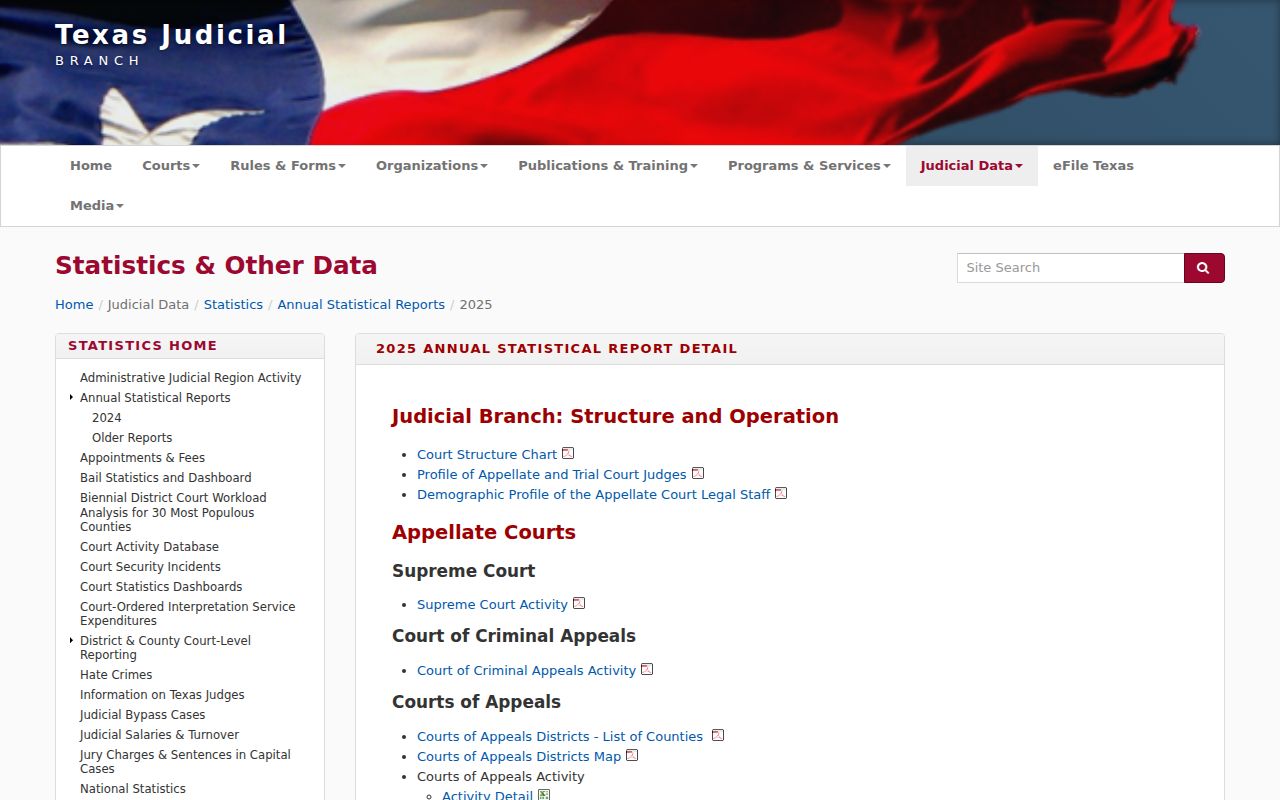
Case-search systems find a Texas docket; OCA statistics describe reported court workload. Different tools for different questions. Note: Fiscal-year filing totals use court-specific reporting categories, so do not read them as unique people or one combined Texas case count.
Texas Federal Cases Use PACER
Federal cases filed in Texas use the federal judiciary’s PACER and CM/ECF systems, not the Texas statewide case search or county clerk portal. Texas has Northern, Southern, Eastern, and Western federal district courts. The PACER Case Locator searches across participating federal courts; an individual district’s CM/ECF system provides its docket and filings for that Texas federal case.
As of September 2026, PACER charges $0.10 per page for most access, generally capped at $3 per document, with quarterly charges of $30 or less waived. The pricing page controls, and a scheduled fee change may take effect in 2027. Sealed federal filings can remain restricted. CourtListener’s RECAP archive includes documents users have contributed, but it is incomplete and does not replace the official docket.
The official federal PACER entry page separates federal case searching from the Texas trial-court systems.
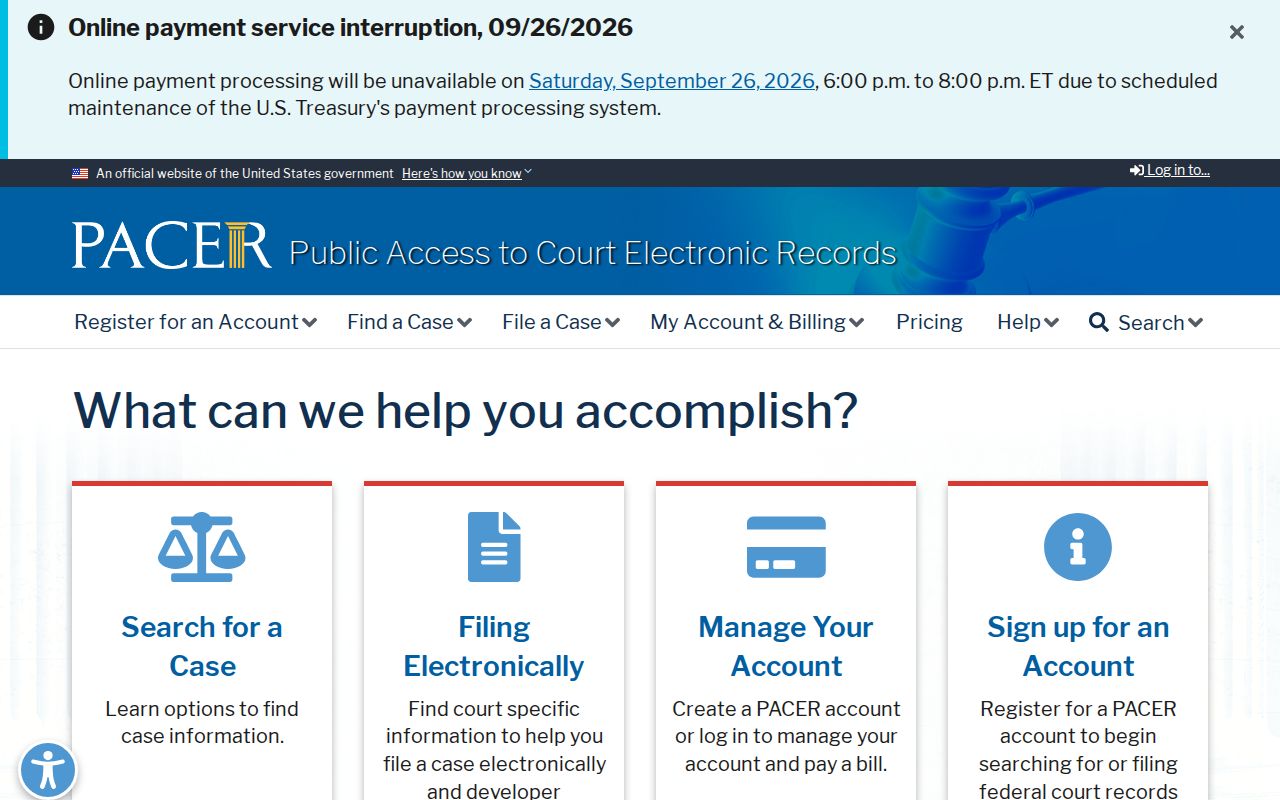
A federal appeal out of Texas heads to the U.S. Court of Appeals for the Fifth Circuit. A Texas state appeal takes a different path, appearing in TAMES and the Texas appellate clerk's own system.
Texas Court Dockets by County
Texas trial dockets sit with the clerk assigned to each court. They are kept locally, not in one state system. The right route might be a District Clerk, County Clerk, JP, or municipal court clerk. Match the court name on your case notice before you open any county portal. The six largest counties by 2020 Census population are one way in. They open the door to the major Texas metro systems. Beyond them, the full Texas county roster covers 254 county sites.
Harris County
Houston · Separate District Clerk and County Clerk case systems.
Dallas County
Dallas · Multiple trial courts use distinct clerk and case portals.
Tarrant County
Fort Worth · Court level and clerk determine the search path.
Bexar County
San Antonio · District, county, JP, and municipal cases stay distinct.
Travis County
Austin · Public criminal settings and civil calendars are separate tools.
Collin County
McKinney · County, district, JP, and city courts use separate paths.
Every one of the state's 254 counties has its own court docket site in the network. The full directory of all 254 Texas counties puts each county a click away. County-seat names match the official Texas State Library roster, so the seat listed here is the one Texas itself records.